Building a Raspberry Pi based home automation controller: Replacing the Fireplace switches
Introduction
The convenience of a natural gas fireplace is hard to beat. Heat almost on demand when you need it, out of the way when you don't. Our home came equipped
with two of these creations. We've enjoyed them immensely--with the exception of a couple of things. First, we've had a couple of remote control solutions
added to these appliances over the years, which have worked well when the work, but have also relied upon batteries. I hate changing batteries. You have your mind set
on curling up with your spouse to watch a critically acclaimed movie, set the mood, dim the lights, turn on the fireplace....wait--batteries are dead. Go get replacements
Take the remote control housing apart, replace the batteries. Oh, the batteries in the remote are also dead....rinse repeat. Yuck!
Components
| Qty | Component | Description | Product Link |
|---|
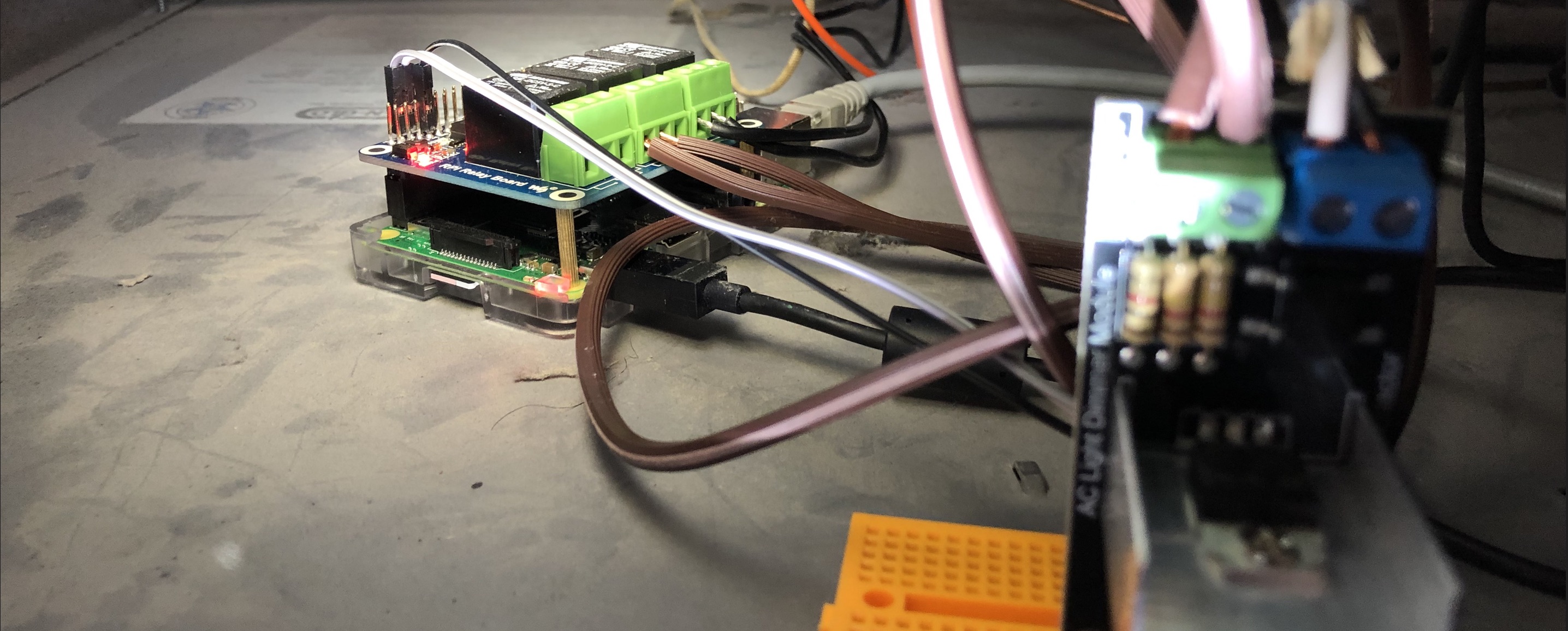
| 2 | RaspberryPi Model 3B+ | Single Board Computer to be utilized as the controller for fireplace automation | Purchase |
| 2 | RobotDYN Programmable Light Dimmer | Relay for High Voltage enabling the SBC to control AC power sources | Purchase |
| 4 | Extension Cord | Used to create electrical wiring patches for AC power requirements | |
Operating System
As much as I tried to make this more difficult than it needed to be, the device comes with an SD Card loaded with the Raspian installer utility.
So, we will use Raspian. I did install the desktop experience on these nodes, but it is entirely unnecessary for the purposes that they will serve. If
I had it to do all over again (now that I understand more about the installation options) I would certainly opt not to install the desktop experience bits.
Python Code
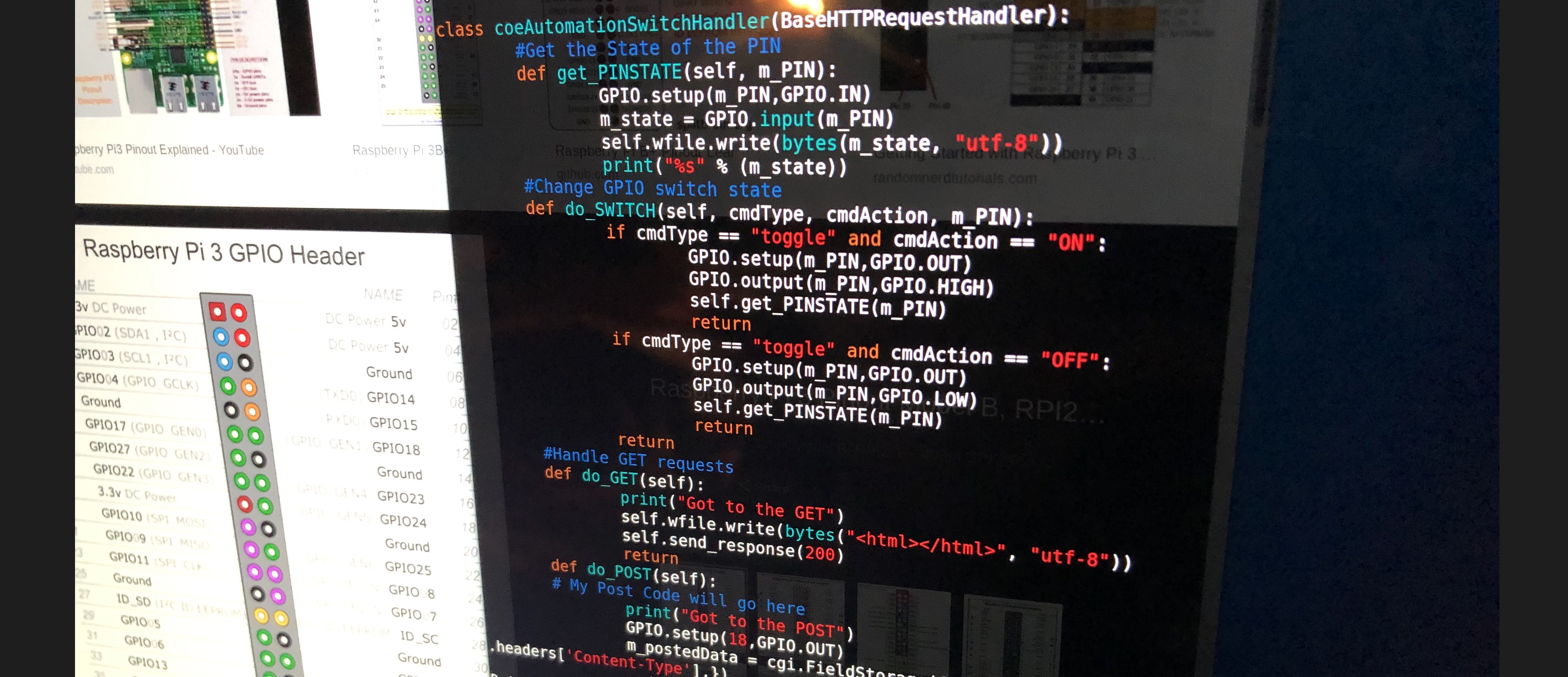
In many ways the Python code is the heart of the solution. It is this code that deals with manipulating the GPIO in order to turn things off and on. This code also
runs as a systemd unit, so it is always listening for instructions for what to do next. We are able to interact with the unit via a browser based utility or by simply using Homekit
on the myriad of Apple devices throughout our home. It has been a really neat experience developing the solution.
Homekit
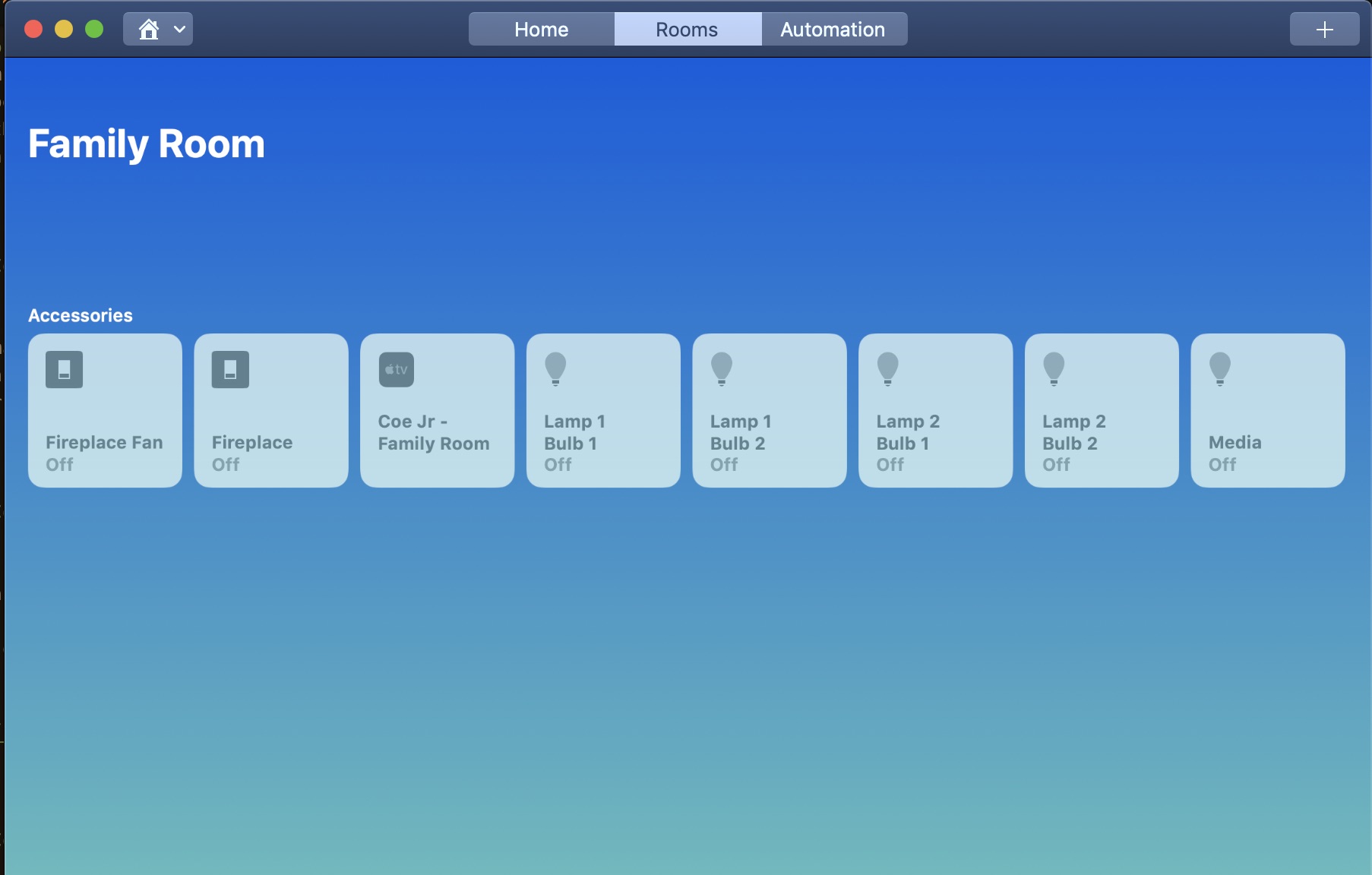
Integrated within iOS Homekit is one of the coolest technologies available to us for home automation services. What's even better: the satisfaction
of having developed an automation solution that is now surfaced right in the Homekit UI for all members of the household. From any device, a phone, a watch, an Apple TV, or a Mac we can command the home
to do our bidding. I get a real sense of "wow that's cool" every time I'm able to have Siri take an action that ultimately calls my code.